The step-by-step library: 700 ready-made digital backdrops in 8 collections, with the guides to shoot against any plain wall, cut out your subject and match the light, plus a mini session starter kit, so you can stop paying for studio hours and turn the camera you already own into a little extra income from home.

โthe rental studios around me are very expensive and about 45-1hour away.โ
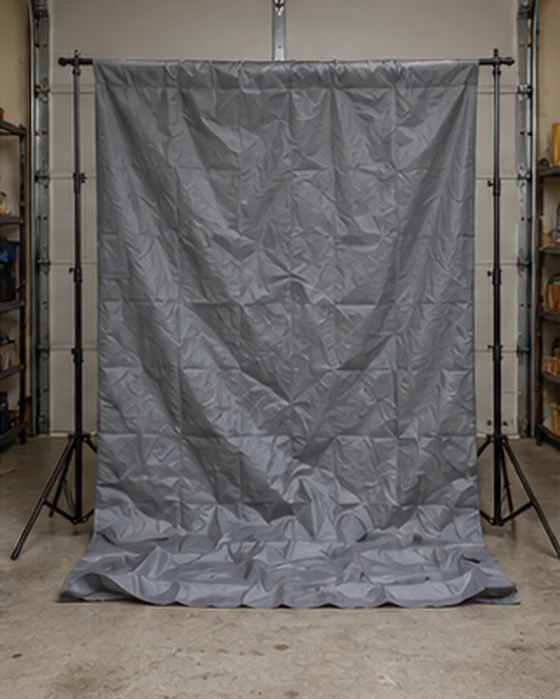
โThe backdrop is full of wrinkles and I have no idea how this is going to work.โ
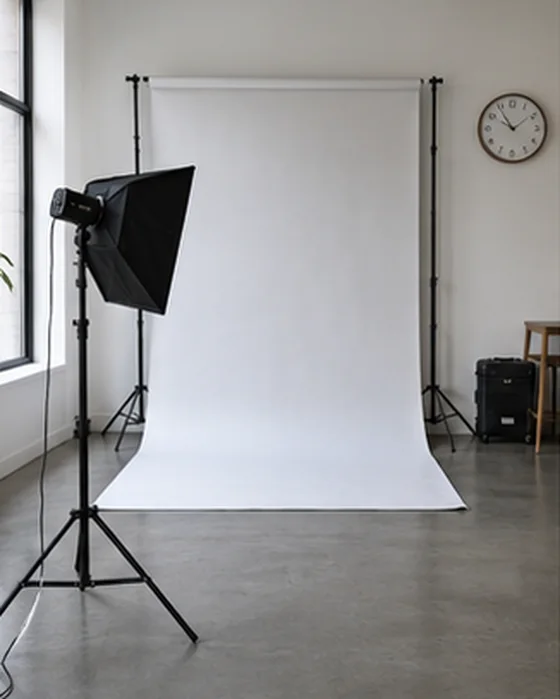
You already own the camera. What stops most people is the room behind the subject. A studio bills by the hour, a good canvas costs hundreds, and a plain living room wall looks like a plain living room wall.
โIโve had a lot of people asking me about this lately.โ
A photographer on r/photography, on clients asking for composite portraits
Sources: Peerspace US pricing guide, Kate Backdrop and The Backdrop Studio retail listings, public 2026 mini session listings. Listed prices, not what you will earn.
Families book holiday portraits early. The photographer they call is the one they already saw on Facebook, and the first family you shoot is the one who tells their friends.
Enough time to shoot a practice portrait, finish it on a Christmas backdrop, post it and open your first few mini session dates, with the next season right behind it.
Painted canvas for a headshot, snow for Christmas, an arch for maternity. Every backdrop is sorted by collection, so you stop digging through Pinterest. You pick the look after the shoot, on your computer.
One Saturday of back-to-back minis or a single portrait after work. It fits around your kids, your job or your retirement. You decide how many dates you open.
Christmas minis were listed at $150 to $300 in 2026 by working photographers. The starter kit helps you set a price that fits your area and your experience, so you never shoot for free.
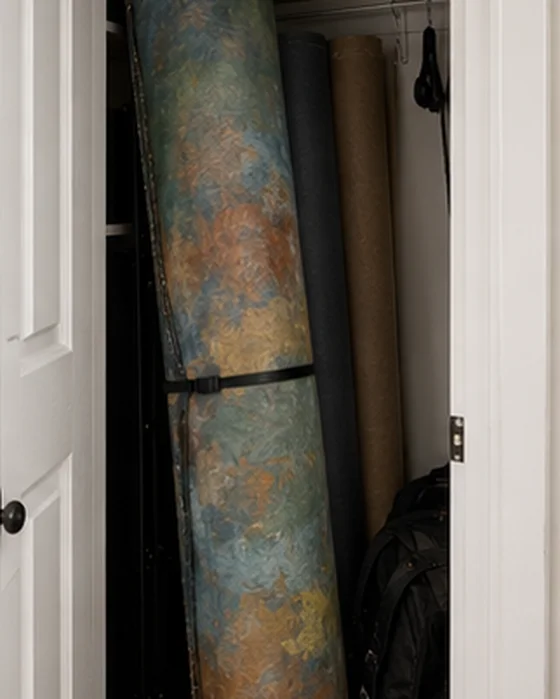
$27 for the library, a camera or a good phone, a plain wall and window light. Photopea is free and runs in your browser. No studio and no rolls of vinyl in the closet, and your first session pays for the library and more.
Every season brings a new reason to take a family photo, and that means a little extra income for you all year. You never buy a new set. You open the next collection.
๐ผ Headshots ยท ๐ Graduations ยท ๐คฐ Maternity ยท ๐พ Pet portraits ยท ๐ต Grandparents ยท ๐ Birthdays ยท ๐ Couples ยท โช Church directories
$150โ$300 listedShort bookings, one theme, several families on the same day. The price is what photographers listed for Christmas minis.
$175 exampleOne person, a few styles, one finished set. The example is what a part-time senior photographer told Reddit they charge.
Open the library, drop a backdrop behind one of your own photos and see how it looks. If it isn't for you, send one email within 7 days and we'll refund you in full. No forms, no hard feelings.
They were exactly where you are before the first session.
Jenna โบ
Kristen โบ
Tara โบ
Illustrative conversations based on what home photographers share online. Individual results vary.
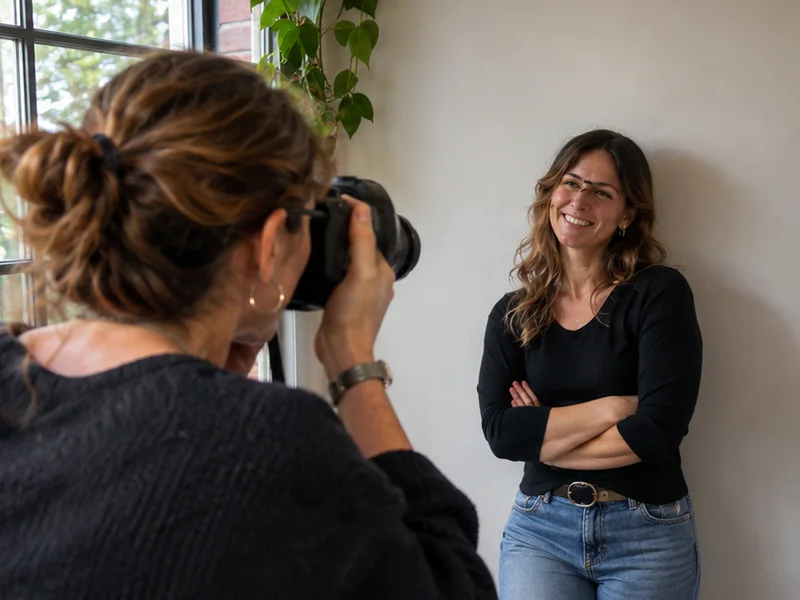
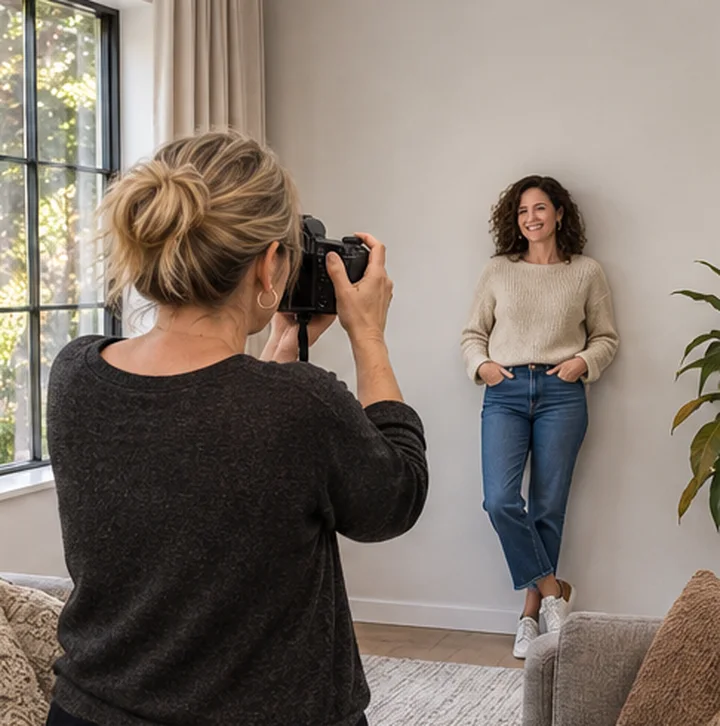
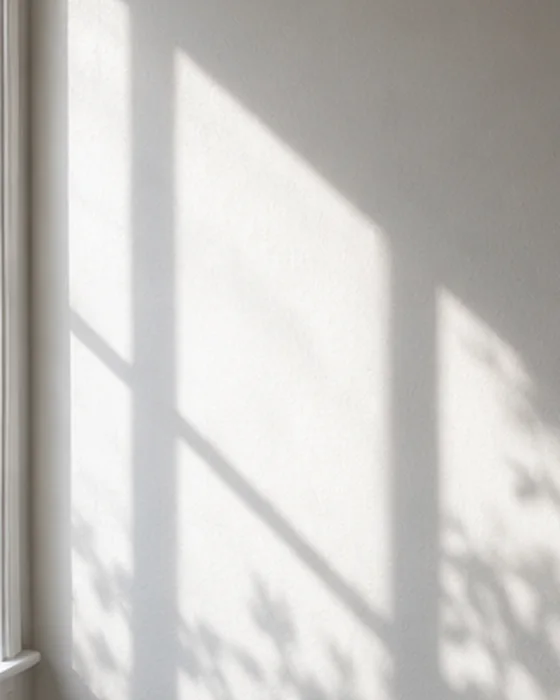
One evening. The Plain Wall Guide shows you where to stand and how far to keep them from the wall. Window light is enough.
Open the Step-by-Step Guide, cut out your subject and drop in a backdrop. The first one is slow. By the third you'll know the moves.
The pricing sheet helps you choose a number. Post your before and after with the template, first to people who already know you: friends, church, school and your local Facebook group.
Choose a Saturday and a theme, and share your booking post. Then open the next collection.
That's it. One week. And just like that, you're the photographer people ask about, with a little extra income.
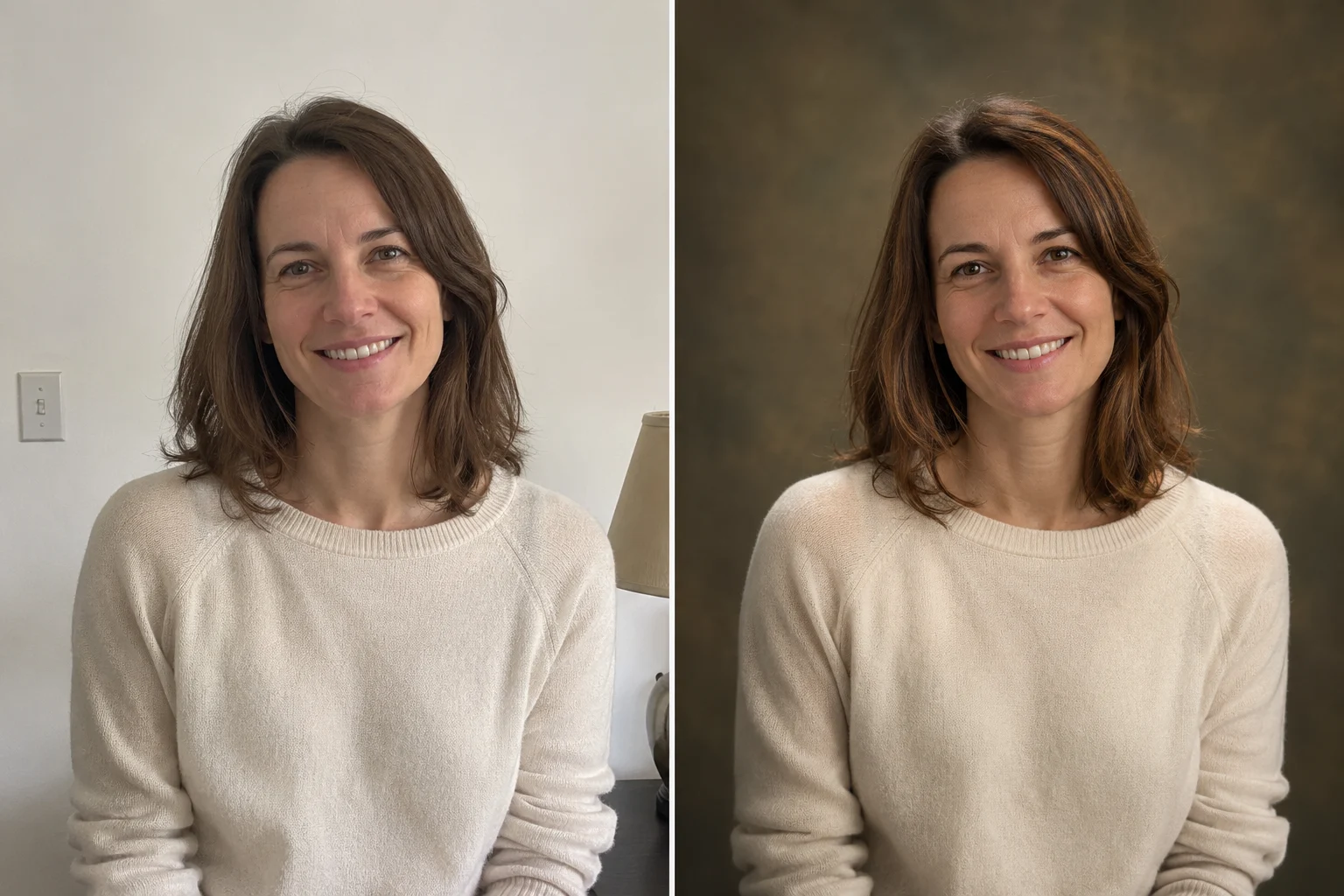
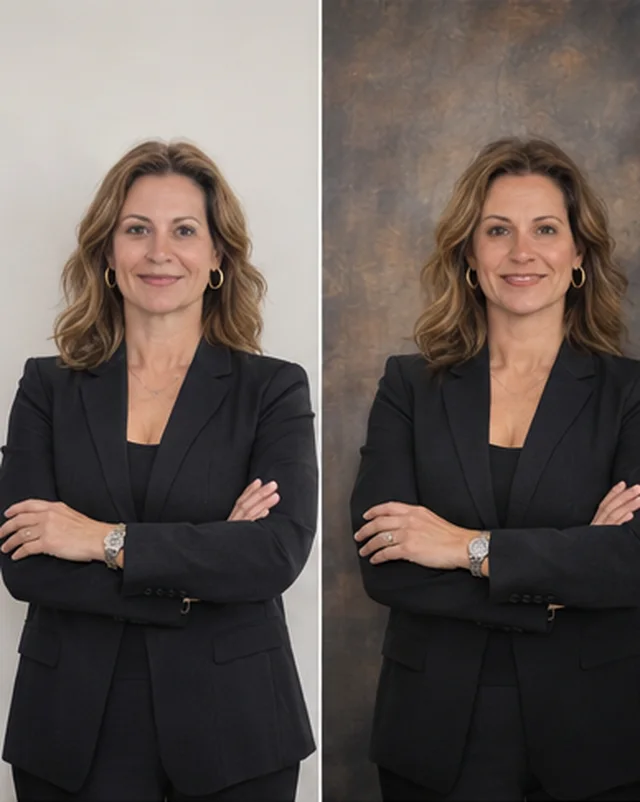
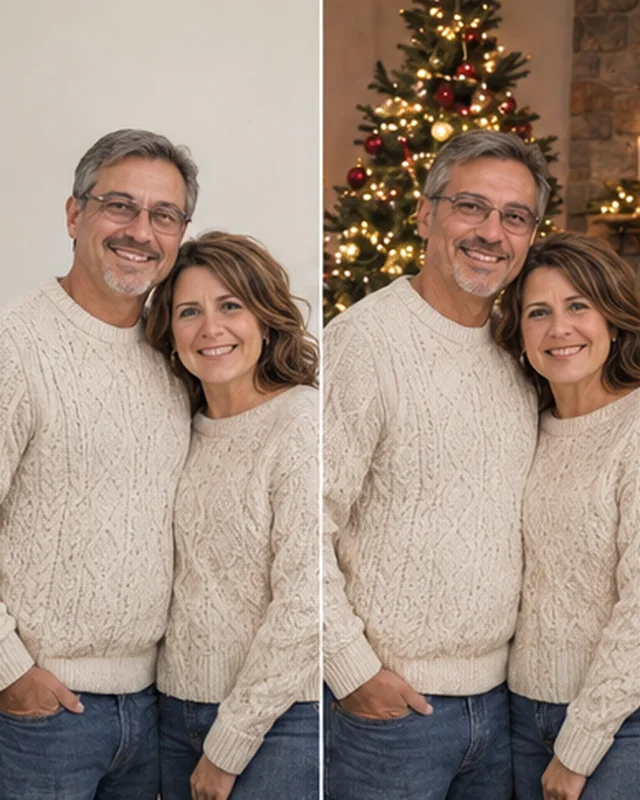
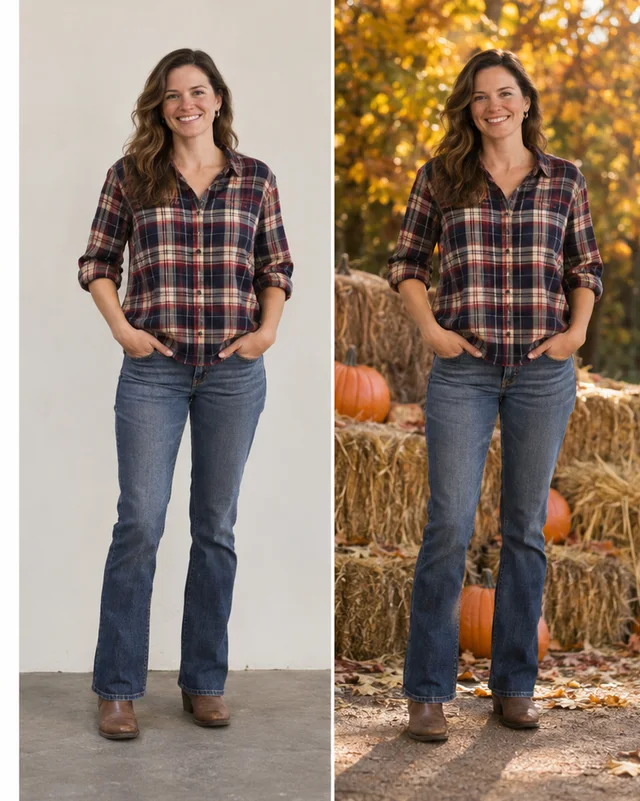
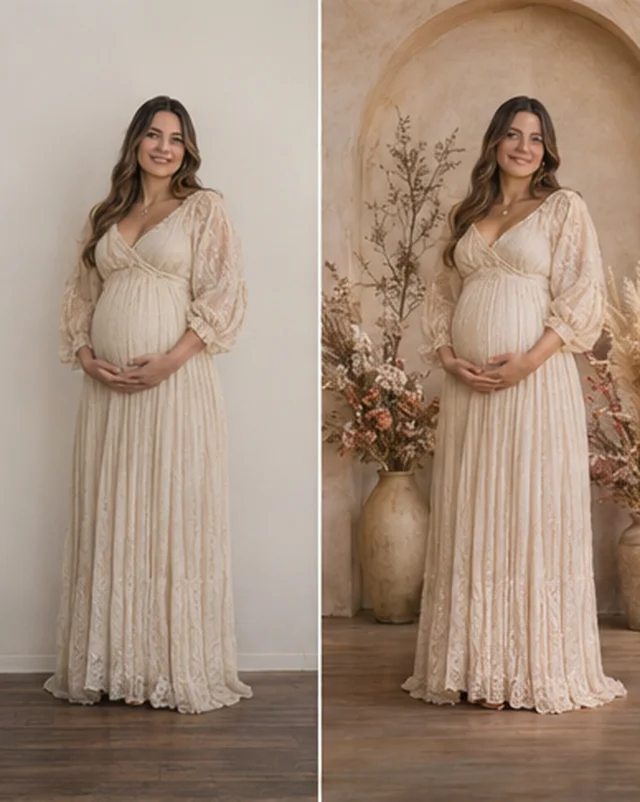
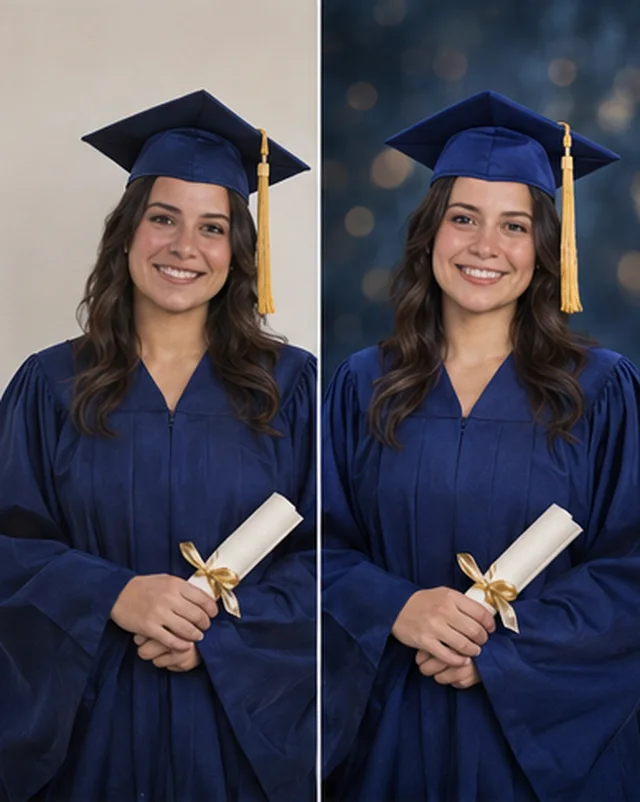
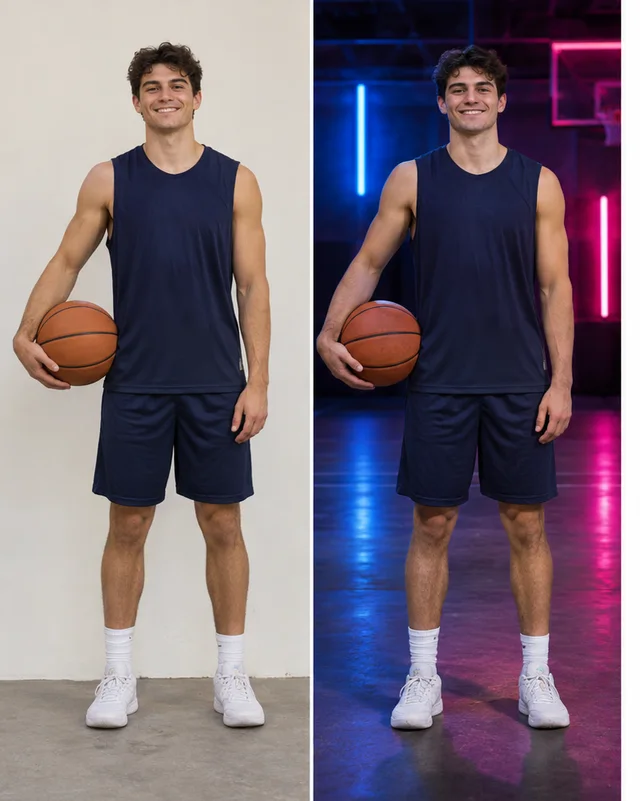
One plain wall, six different finished portraits. Example images.
Plain wall to Painted CanvasHeadshots
Plain wall to Arches & NichesMaternity
Plain wall to dark studio backdropSenior portraits
Plain wall to ChristmasHoliday cards
Plain wall to neon backdropSports portraits
Plain wall to fall backdropFall portraitsFrom the first portrait on your wall to your first extra income from it.
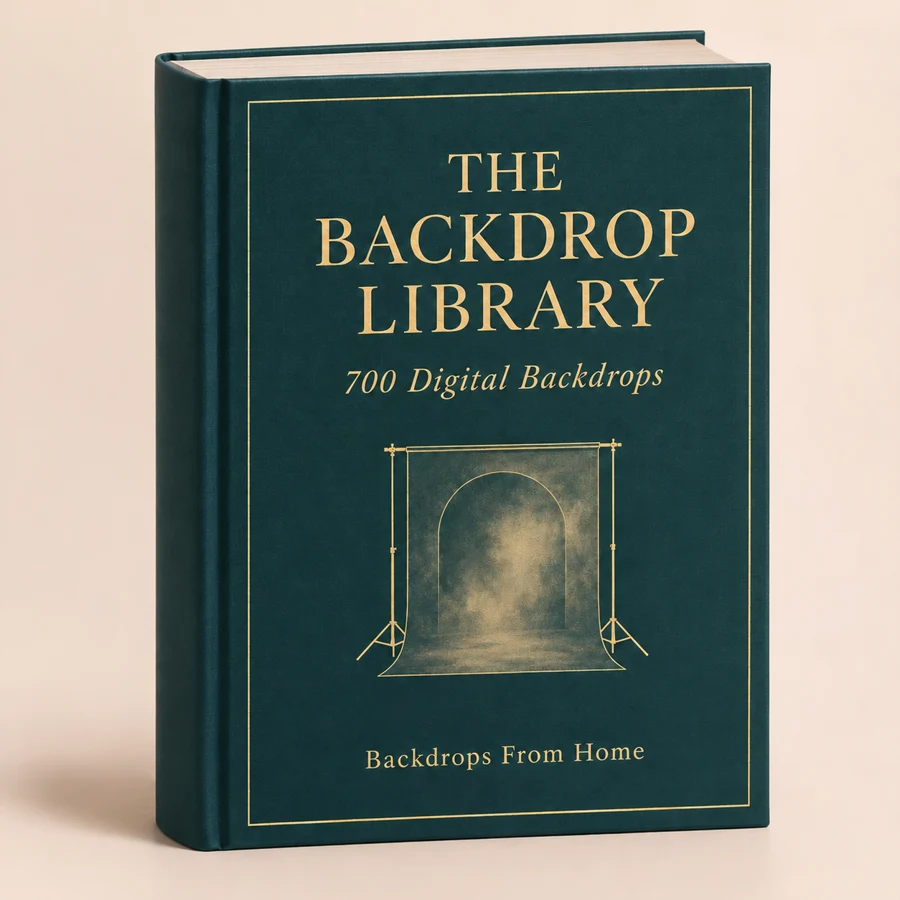
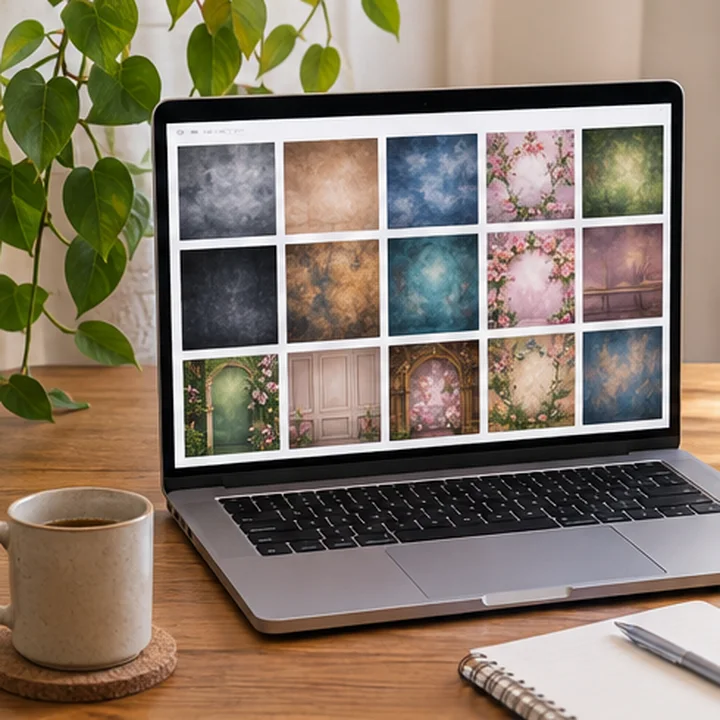
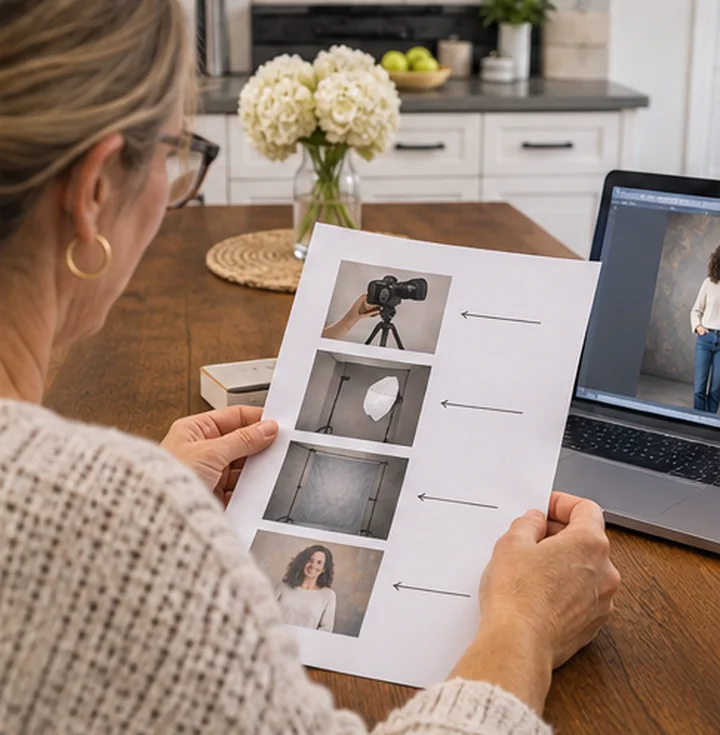
Painted Canvas, Dark Chiaroscuro, Arches & Niches, Maternity, Florals, Christmas, Winter & Snow and a Seasonal Sampler with fall, spring, neon and more. Browse by collection, preview any backdrop and download only what you need. Files are 2K, ready for social posts, digital delivery and prints up to about 8ร10.

A good composite starts before you press the shutter. This guide shows you how to shoot knowing you'll change the background: the wall, the distance, window light or one flash, and the mistakes that make the edit harder later.

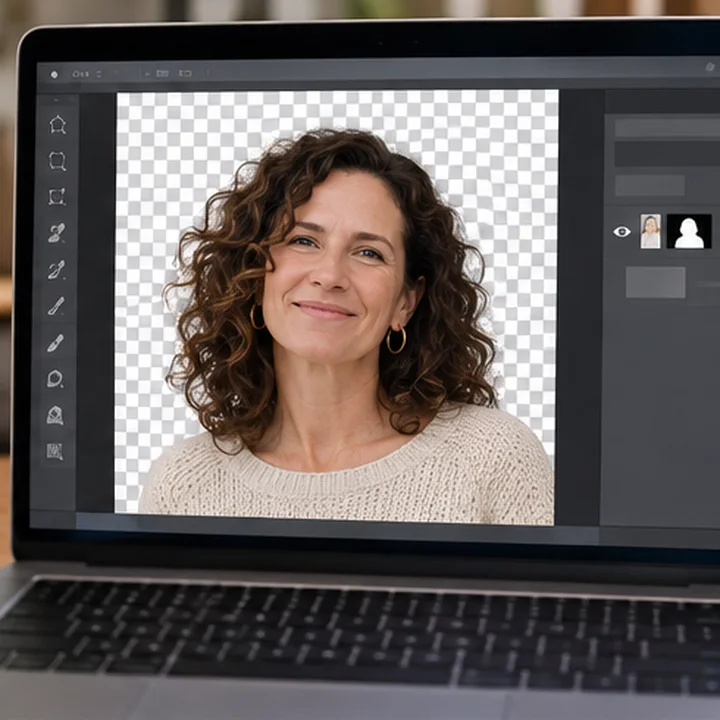
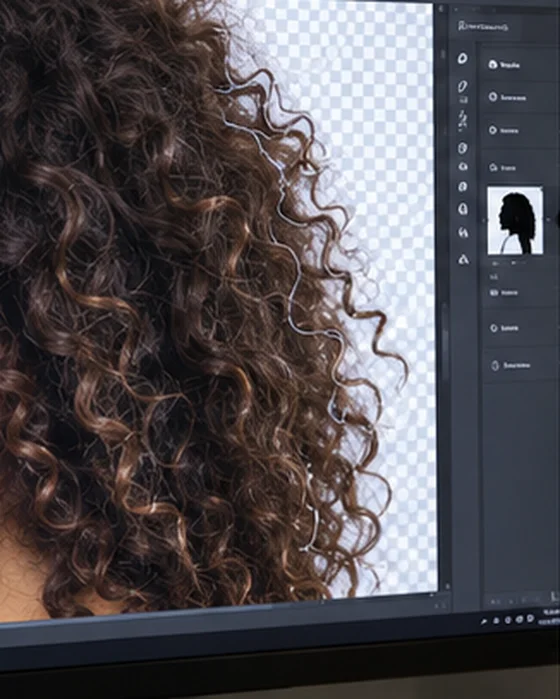
Automatic selection gets you most of the way. The hair is where it falls apart. This guide takes you through curls, flyaways and light hair on a light wall, without the pale halo that gives a cutout away.

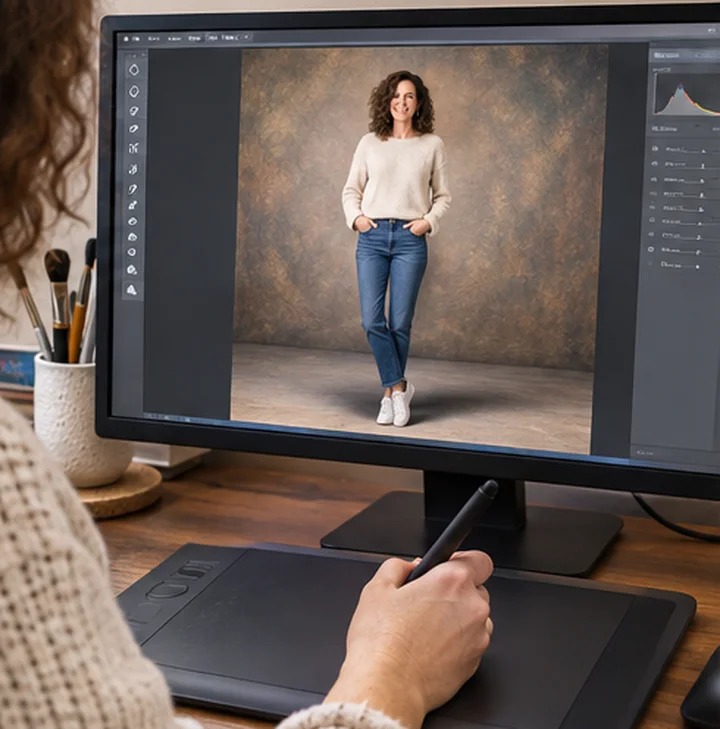
This is the one that fixes โit looks fake.โ A backdrop has its own light, but it can't draw the shadow under your subject. You'll learn how to read the light, add a believable ground shadow and match the colors, so your subject stands in the scene and doesn't float on it.

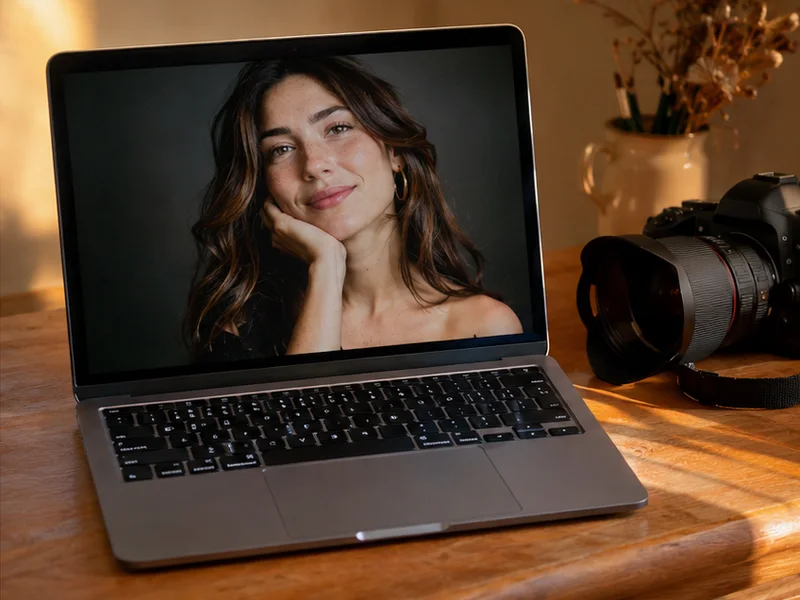
From opening the photo to exporting the finished file, one screen at a time. Never done a composite? Start with Photopea, which is free in your browser, and follow along with your own photo.

Your extra income starts here: what to post, what to say and what to charge to find your first sessions among people who already know you: friends, church, school and your local Facebook group.

What home photographers say out loud.

โMy 3 hour booking turned into a one-hour shoot.โ
Photographer on r/photography, on a rented studio
โI do not have a studio and can't afford high rental rates.โ
Photographer on r/photography
โI donโt feel like spending even more to buy a steamerโ
Photographer on r/AskPhotography, on a wrinkled backdrop
โIโve already invested more into this particular shoot than what Iโm getting paid.โ
Photographer on r/AskPhotography
โHer hair is making it impossible.โ
Editor on r/photoshop, on cutting out a subject
โI kept feeling like my 2 year old looked flat.โ
Parent on r/photography, on digital backdrops
โHow do you sell these types of composite sessions?โ
Photographer on r/photographyReal words from photographers online, not from buyers of this library. Results vary.
No. This is a digital library: you get instant access to every backdrop and guide the moment you pay. Nothing is shipped, so there's no waiting and no shipping cost.
They're ready-made background images. You open your portrait, cut out the person, put the backdrop on the layer underneath and adjust light and shadow. The Step-by-Step Guide shows every screen.
It can, if the light doesn't match or the feet float. That's why the Shooting Guide and the Light & Shadow Guide come with the backdrops. Simple head-and-shoulders portraits are the easiest place to start. Full-body shots take more practice.
Photoshop, Photopea, Affinity Photo or GIMP. Photopea is free and runs in your browser. Canva works too, but its background remover is part of the paid plan.
Yes, if you start with a good photo: your subject a few steps away from an even wall. Your first one will be slow. The guides take you through it one screen at a time, with your own photo.
No. Any camera that lets you take a sharp, well-lit portrait works, and a recent phone can work too. Good window light matters more than the camera.
We can't tell you, and nobody honestly can. It depends on your skill, your prices, your area and how many sessions you book. Photographers publicly list Christmas minis at $150 to $300, while beginners often charge less and some book very few sessions. No earnings are guaranteed.
Yes. You can use the backdrops in finished portraits for clients, albums, prints, your website and your social media. You can't resell, share or give away the backdrop files themselves.
They're digitally created scenes, made for this library with AI image tools and reviewed collection by collection. They aren't photos of real studios, and they aren't copied from other backdrop packs.
JPG files at 2K, about 1536 by 2048 pixels. That's plenty for social media and digital delivery, and sharp for prints up to about 8ร10. For wall-size prints you'd want a physical backdrop or an upscaling tool.
There are, and plenty are fine. What they don't give you is the method: how to shoot for a composite, how to fix hair, how to match light and how to offer it as a session. That's what turns a folder of files into a finished portrait.
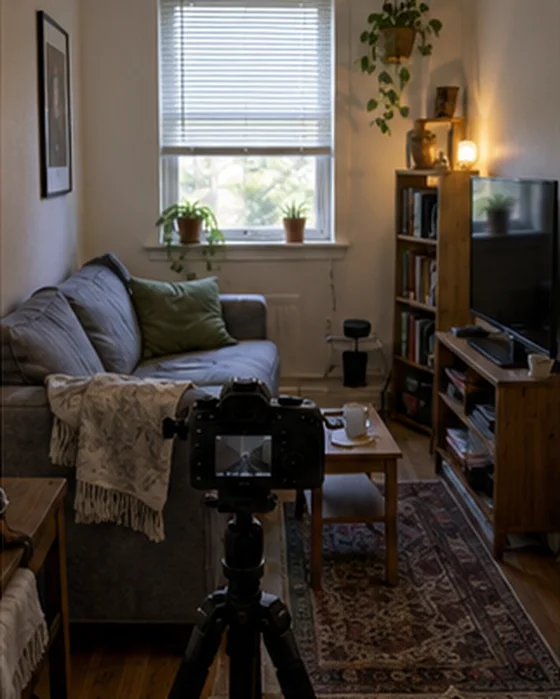
You don't have to have them. Any plain wall works: their living room, a church hall, a rented community room or your office. The backdrop goes on afterward, on your computer.
We suggest you do. Photographers who sell composite portraits say it plainly and show a before and after. Clients are buying the finished look, and the honest version is also a good selling point.
Start with people who already know you: friends, church, school and your local Facebook group. The Mini Session Starter Kit gives you the posts and messages to use in your first 30 days.
The backdrops are ready and the first portrait is one evening. One Saturday of minis is enough to start, and you pick the dates. You decide how many sessions you take.
The library is backdrops only, with no people in them. If you photograph children, you always need their parent's permission to shoot and to post.
Yes. Checkout is secure, your access arrives by email the moment you pay, and you're covered for 7 days.
Your purchase is covered for 7 days. Open the library, try a backdrop on one of your own photos, and if it isn't for you, send us one email and we'll refund you in full.